Book Appointment Now
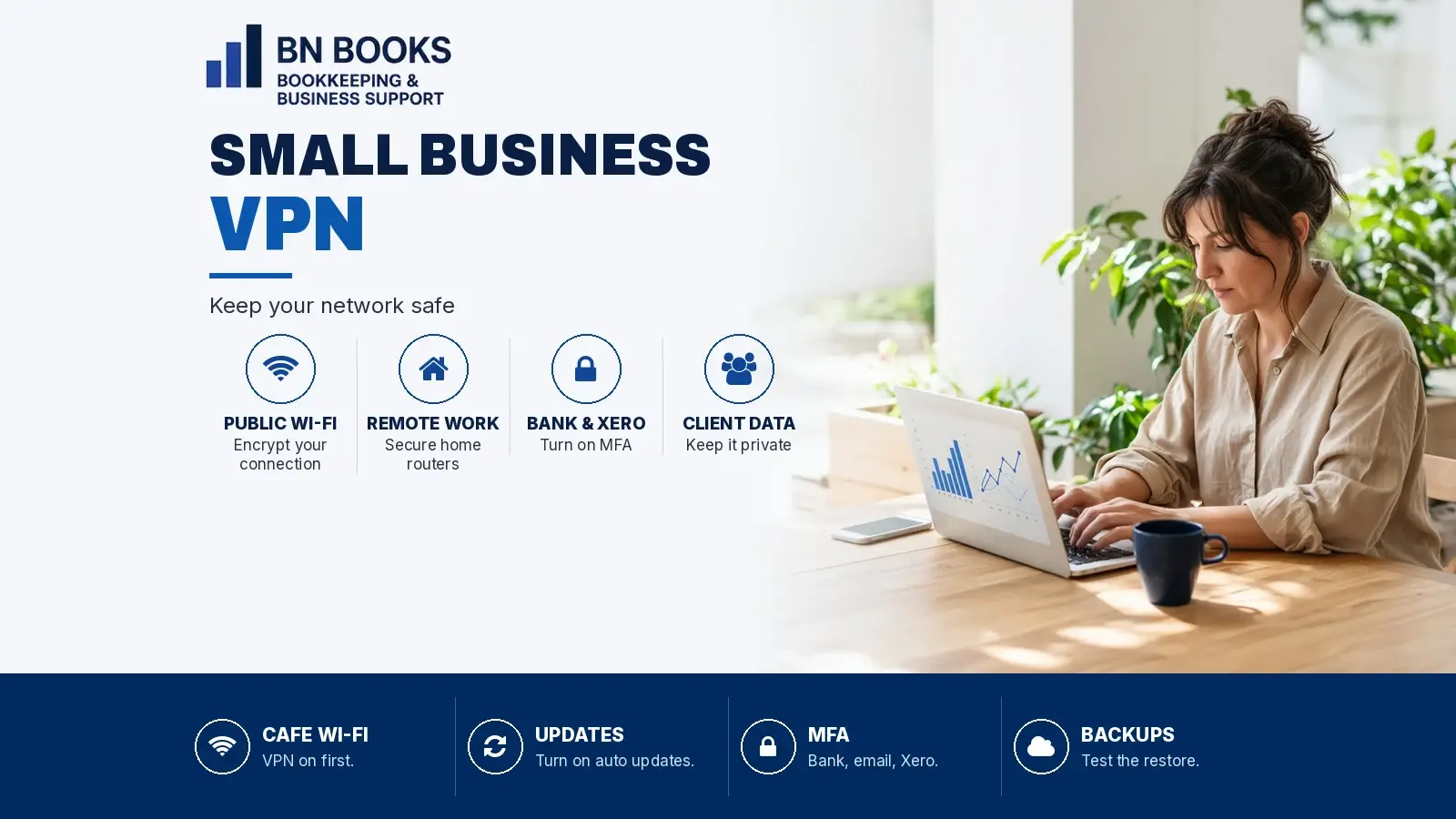
Small Business VPN: Why Your Network Needs Protecting
Public Wi-Fi, remote work and cloud logins all put your business data on the move. Here's why a small business VPN matters, what it can't do, and how Surfshark VPN can help.
This small business VPN guide contains affiliate links. If you sign up through them we may earn a commission at no extra cost to you.
Do you check the bank balance from a café, or approve bills in Xero from the airport? If so, a small business VPN is worth a look. Your business data travels over the internet every day, so the connection matters as much as the password.
In this guide, we explain why network safety matters for cafes, retailers, salons, health practitioners, consultants, online sellers, landlords and sole traders. We also cover where a VPN helps, where it doesn’t, and how we use Surfshark VPN as one simple layer.
Why a small business VPN matters on public Wi-Fi
Public Wi-Fi is handy. However, anyone can use it, and anyone can set one up. The Australian Cyber Security Centre warns that criminals target public hotspots to steal passwords and sensitive information. They can even copy the name of a real hotspot.
So, what does that mean for you? Picture a salon owner checking payroll between clients, or a consultant opening a client file at a hotel. On an open network, that traffic is a target.
The ACSC’s remote working security guidance is clear. Where you can, use a trusted network such as your home Wi-Fi or a personal hotspot. If you must use public Wi-Fi, limit what you access. In short, a VPN adds a layer by encrypting your connection and hiding your activity from other people on the same network.
Remote work means more networks to protect
Most small teams now work from more than one place. Your bookkeeper might work from home. Meanwhile, you might do invoicing on the couch or at a market stall.
Every one of those networks is a door into your business. The same ACSC guidance suggests you:
- change your Wi-Fi network name and password from the defaults
- change your router’s default username and password
- use the strongest Wi-Fi encryption available
- keep your router up to date
- turn on guest Wi-Fi for customers and visitors.
These steps cost nothing. Then, a VPN adds a layer for the times you’re away from those networks.
Protecting client data and your Xero and bank logins
Your accounting file holds a lot. It has client names, supplier bank details, staff pay records and your cash position. Similarly, your bank login can move money in seconds.
That’s why these logins need the most care. First, turn on multi-factor authentication (MFA) for your bank, email and Xero. Next, use a long, unique password for each one. Finally, avoid logging in to them on networks you don’t trust.
If your books are kept in the cloud, our guide to why every small business needs professional bookkeeping explains how good systems protect your numbers. Also, if you’re choosing software, see our Xero or QuickBooks comparison.
What a small business VPN can and can’t do
A small business VPN is useful, but it isn’t a cure-all. The ACSC notes that a VPN won’t protect you from malware, phishing or software security flaws. So, you still need updates, backups, MFA and a healthy suspicion of odd emails.
For a wider plan, read the Business Ninjas guide to small business cyber security for the accounts team. It covers MFA, updates and backups step by step.
Why we use Surfshark VPN
The ACSC suggests choosing a reputable provider and checking its privacy policy. Here’s what Surfshark lists on its own website:
- Unlimited devices. One account can cover all your compatible phones, laptops and tablets at the same time.
- Verified no-logs policy. Surfshark says independent assurance reports by Deloitte verify that it doesn’t track or store your browsing.
- RAM-only servers. Its servers run on RAM, so data is wiped each time a server restarts.
- Modern protocols. These include WireGuard, IKEv2 and OpenVPN.
- Wide coverage. It lists 4,500+ servers in 100 countries, plus apps for Windows, macOS, iOS, Android and Linux.
- A 30-day money-back guarantee. As a result, you can try it and cancel if it doesn’t suit.
In other words, one account can cover the owner, the bookkeeper and the shop laptop. Before you buy, check the current plans on Surfshark’s site.
Getting started with a small business VPN
Setting up is simple:
- Sign up through our Surfshark VPN link.
- Install the app on each laptop, phone and tablet that touches business data.
- Turn the VPN on before you join café, hotel or airport Wi-Fi.
- Keep MFA, updates and backups going as well.
How BN Books can help
BN Books looks after bookkeeping, payroll and Xero for small businesses Australia-wide, 100% online. That includes owners in Aspley and Brisbane’s northside. Meanwhile, our sister business BN Tax handles tax returns and BAS, and explains why a registered tax agent is worth it.
Want tidy, secure books? Get in touch with BN Books today.
This article is general information only, not IT, financial or tax advice. Product features can change, so check Surfshark’s website before you sign up.