Book Appointment Now
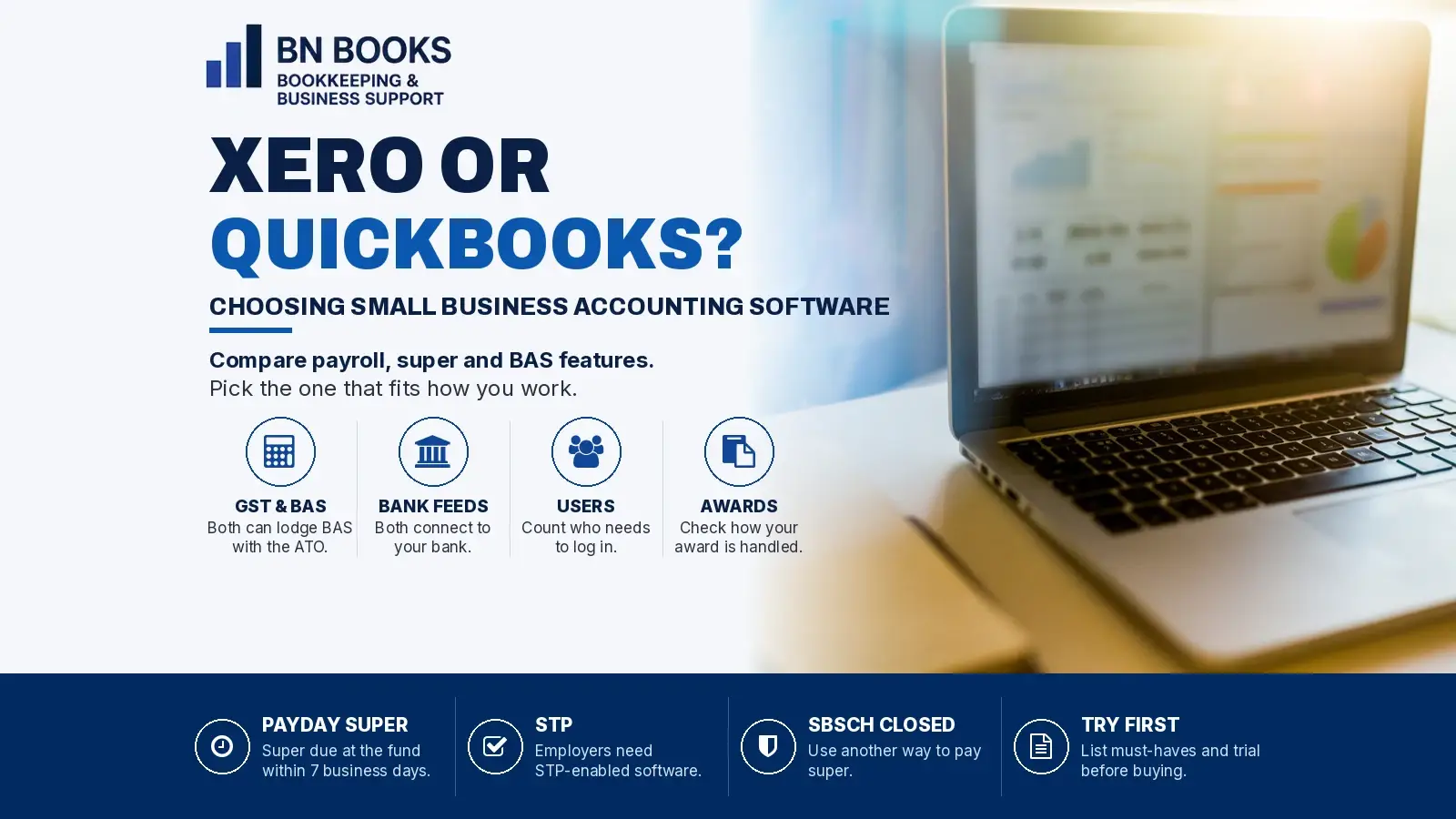
Xero or QuickBooks? How to Choose Accounting Software for Your Small Business
Xero or QuickBooks? Both handle GST, BAS and payroll, but the right choice depends on how your business runs. Compare payroll, super, awards and user access, plus the Payday Super questions to ask first.
Xero or QuickBooks? If you’re starting a business or outgrowing spreadsheets, it’s a question you’ll face early. Both are popular cloud accounting platforms in Australia, and both can handle GST, BAS and payroll. However, the right choice depends on how your business runs.
This year, the choice also matters more than usual. Payday Super started on 1 July 2026, so your software now plays a bigger part in getting super paid on time. Here’s a plain-English guide to help you compare them.
Why your software choice matters in 2026
From 1 July 2026, the ATO says super guarantee must reach your employee’s fund within 7 business days after payday. If you use a clearing house, including one inside your payroll software, you need to allow time for it to process the payment. That’s why the ATO recommends paying super on payday.
At the same time, the ATO’s Small Business Superannuation Clearing House closed permanently on 1 July 2026. So the ATO suggests checking your payroll software first, because it may already include super functions you can use.
According to business.gov.au, any business with employees needs Single Touch Payroll (STP) enabled software. So if you employ staff, your accounting software is now also your payroll and super engine.
Xero or QuickBooks: what they have in common
Before looking at the differences, it helps to know what both platforms already do. According to each provider’s website, both Xero and QuickBooks Online:
- connect to your bank with automatic bank feeds
- track GST as you enter sales and expenses
- let you prepare and lodge your BAS directly with the ATO once you connect your file
- offer STP-enabled payroll
- let your bookkeeper or accountant log in to the same file.
In other words, both cover the bookkeeping basics well. The real differences show up in payroll, super and how many people need access.
Xero or QuickBooks: the key differences
The details below come from each provider’s own Australian website, as at 3 November 2026. Features and plans change often, so check the current pages before you decide.
Payroll and super
Xero’s current plans include payroll for a set number of people, and that number depends on the plan. Its auto super feature is also included in every plan. Xero says it calculates super in each pay run and pays it through the SuperChoice clearing house.
Importantly, Xero notes that super payments usually take up to 7 business days from the time you authorise them. So if you use Xero, authorise super on payday rather than leaving it for later.
QuickBooks, on the other hand, adds payroll to any QuickBooks Online plan as a separate option, charged per active employee. Its payroll is powered by Employment Hero. For super, QuickBooks uses the Beam clearing house, and it lists its payroll as Payday Super ready.
Awards, rosters and timesheets
Do your staff work under an award with penalty rates? Then look closely at award support. QuickBooks says its Advanced Payroll option includes automated Modern Award interpretation, rostering and time and attendance tracking.
Xero, for its part, lets you connect other apps through the Xero App Store. Either way, ask how each option handles your award before you sign up.
Users and access
QuickBooks Online plans have user limits of 1, 3, 5 or 25 users, plus access for your accountant. So count everyone who needs to log in, such as a business partner, office manager or bookkeeper.
Both platforms also have staff apps. Xero’s is Xero Me, while QuickBooks uses Employment Hero’s EH Work app. Staff can use them to check payslips and handle other admin on their phone.
Xero or QuickBooks for your type of business
There’s no single winner. Instead, think about how your business actually works day to day.
Consultants and sole traders
If you have no employees, you mostly need invoicing, bank feeds and GST tracking. Both platforms do this well. So focus on which one feels easier to use, and which plan fits the features you need.
Cafes, salons, retail and health practices
These businesses often have casuals, part-timers and penalty rates. Payroll is usually the deciding factor here. Therefore, compare how each option handles your award, rosters and timesheets, and how super is paid each payday.
Online sellers
Selling through an online store or marketplace? Check which platforms connect to your store, payment provider and inventory tools. Both Xero and QuickBooks connect to a large range of apps, but every integration works a little differently.
Tradies and project-based businesses
If you quote jobs and track costs per job, look at quoting, job tracking and mobile apps. In addition, check how easily you can record time and materials on site.
Questions to ask before you choose Xero or QuickBooks
The ATO suggests you confirm what your payroll provider offers for Payday Super. Use these questions when you compare Xero or QuickBooks, or any other product:
- Does it report qualifying earnings and super liability through STP?
- Has it been updated for the new SuperStream data requirements?
- How will it show errors for rejected super payments?
- Can you check an employee’s super fund details before you pay, using a member verification request?
- Can you pay super through the New Payments Platform (NPP), and how long does it take to reach the fund?
The ATO also keeps a Super Product register of super-enabled software. However, the ATO notes the register isn’t complete and doesn’t endorse any product.
Finally, business.gov.au suggests listing your must-have features first, working out the total cost of ownership and trialling a tool before you buy. That’s good advice for any software decision.
Moving to Xero or QuickBooks
It’s usually simplest to switch at a clean break, such as the start of a quarter or a new financial year. Here’s what to plan for:
- Bring across opening balances, open invoices and bills.
- Set up GST and BAS settings to match your ATO registration.
- Set up employees, leave balances and super funds carefully.
- Connect the new software to the ATO for STP and BAS.
- Reconcile both systems before you stop using the old one.
Messy records make any move harder. If you’re not sure where your books stand, our guide to the signs your bookkeeping needs attention is a good place to start. Already leaning towards Xero? Read why Australian businesses are switching to Xero. Hiring staff soon? Our payroll and Payday Super checklist covers onboarding too.
Your software also feeds your BAS. For help with BAS and tax, our sister business BN Tax explains how BAS works for Australian businesses.
Let BN Books help you choose and set up
BN Books has helped Australian small businesses with bookkeeping and payroll for more than 20 years. We’re 100% remote and work with businesses Australia-wide. We can help you choose between the two, sign up, move your data across and set up payroll, STP and super correctly from day one.
See our bookkeeping and payroll services, call us on 1300 790 113, or get in touch online. We know small business!
This article is general information only. Software features and plans change often, so check each provider’s current website before you decide.
Sources: ATO: Payment deadlines for Payday Super · ATO: Does your payroll provider support Payday Super? · ATO: The SBSCH is now closed · business.gov.au: Digital tools for business · Xero: Superannuation and payroll software · Xero: All features · QuickBooks: Payroll software · QuickBooks: GST and BAS